Submission package
Each required document is uploaded independently. Test reports are added according to the product's supported radio technologies. The analyzer checks package uploads and automatically validates the Application Form, Authorization, RCE Specification, and Product Specs against each other. The analyzer also validates the Declaration of Conformity and checks each Test Report against the RCE Specification.
0%
Submission package completeness
Reading uploaded PDFs…
Analysis result
Package + Application Form + Authorization + RCE + Product Specs + Declaration of Conformity + Test Report validation0%
Submission package completeness
—
—
| Document | Status | Content analysis |
|---|
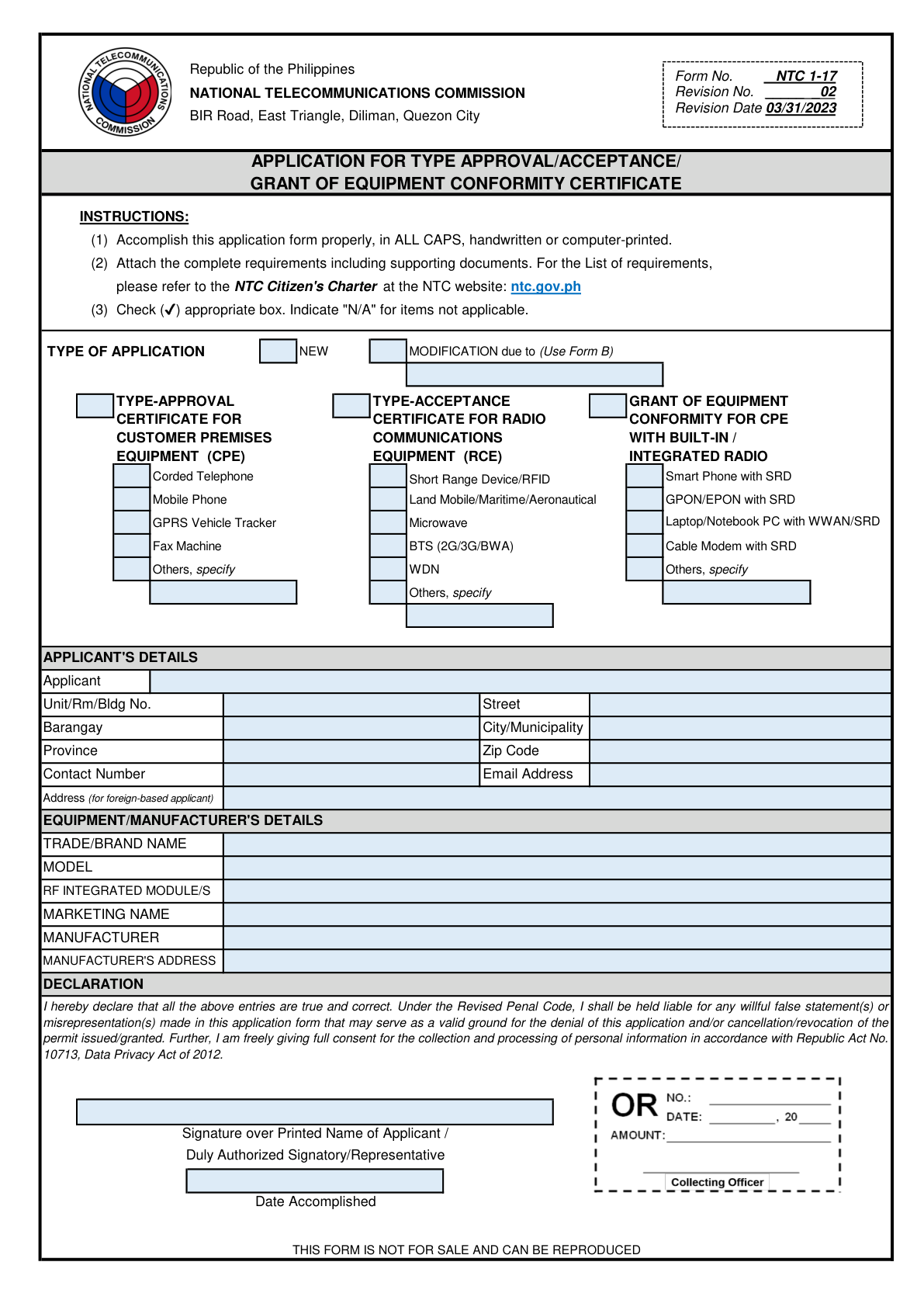
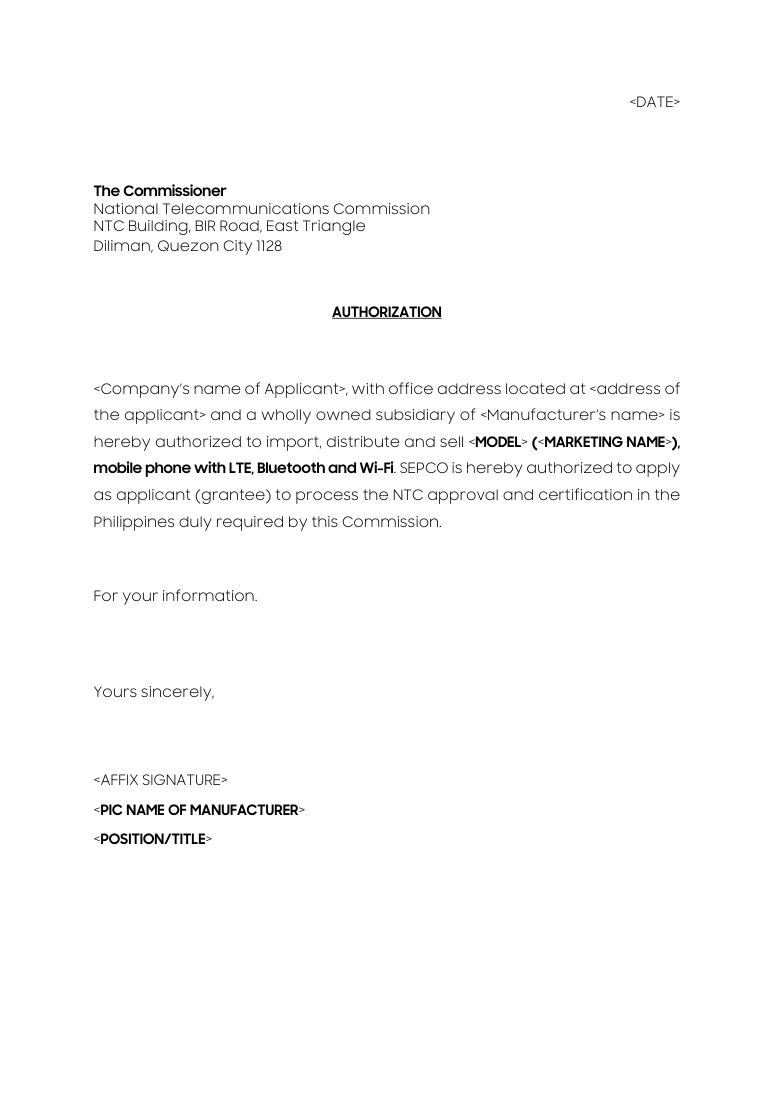
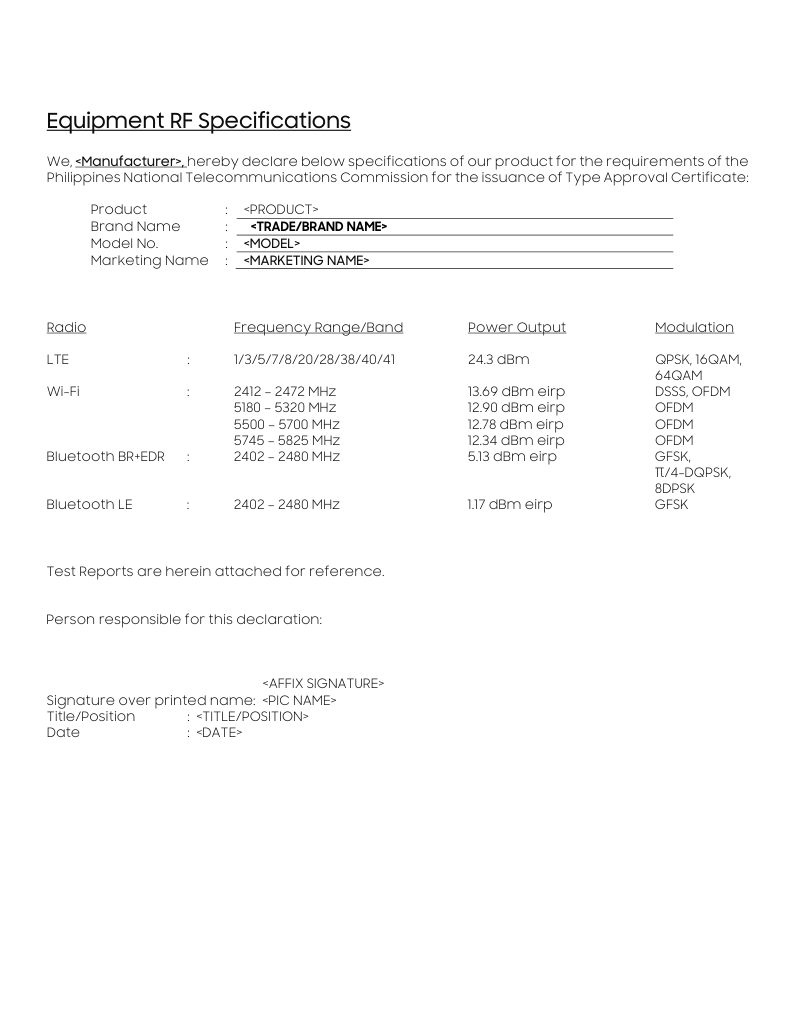
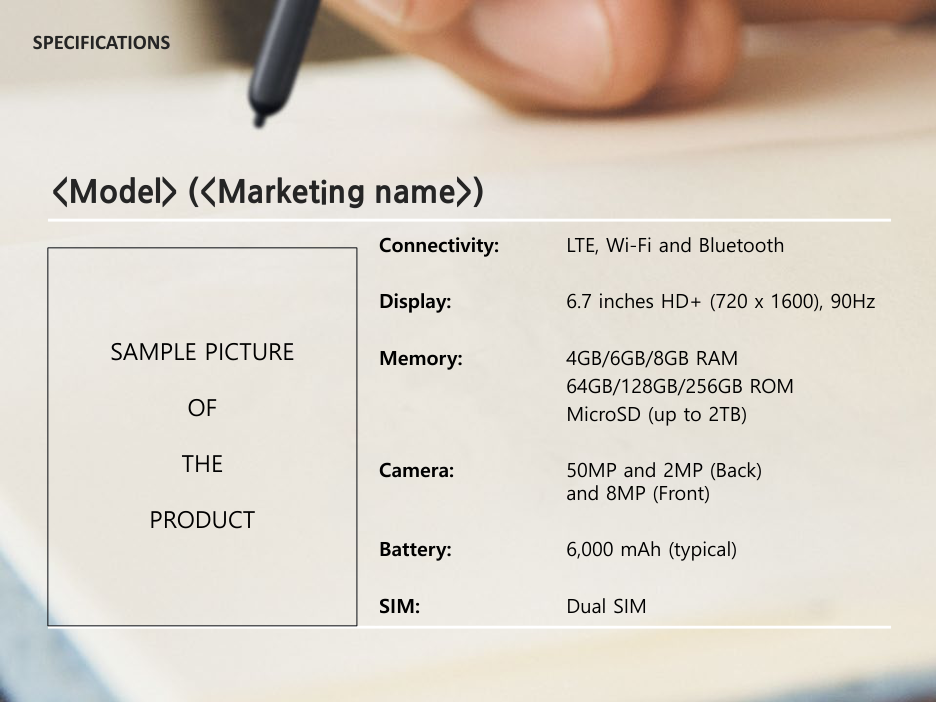
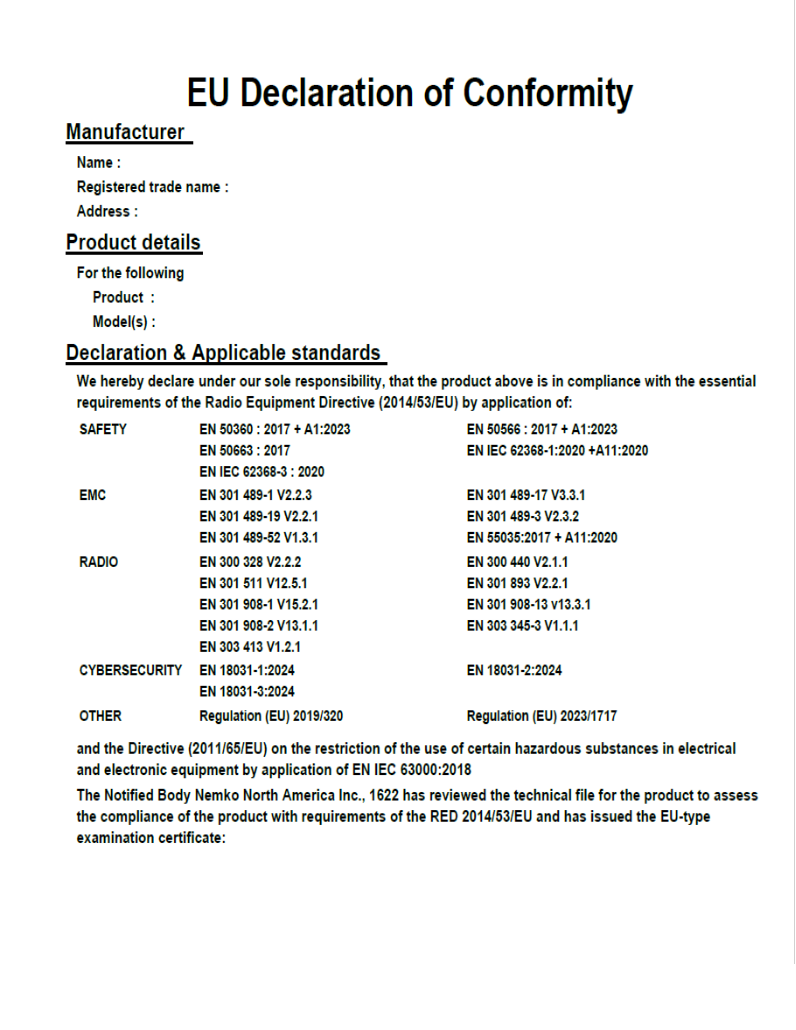
Application Form, Authorization, RCE Specification, and Product Specs validation start automatically when their PDFs are selected. Product Specs are cross-checked for Model, optional Marketing Name, a device picture, meaningful product specifications, and radio-technology consistency with the Authorization and RCE. The fixed document cards can be individually removed and replaced if the wrong PDF is selected. Declaration of Conformity is cross-checked for Conformity wording, brand, manufacturer, model, and Safety/EMC/Radio standards information. Test Reports are checked for the cover page, testing location, client information, EUT/device information, and the matching RCE frequency/band, power output, and modulation evidence. Passing reports show the exact pages that should be printed. For technologies with multiple RCE frequency ranges (such as Wi-Fi), every RCE range must be covered across the uploaded reports before the package can reach 100%. The Complete button becomes available only at 100% and creates one combined PDF containing all five fixed documents plus only the recommended test-report pages. Analyzer version 27.0.